
- Insert a USB Mouse into the Media Player.
- Exit the Signage Player via the steps outlined below.
- Left click the mouse anywhere on the screen.
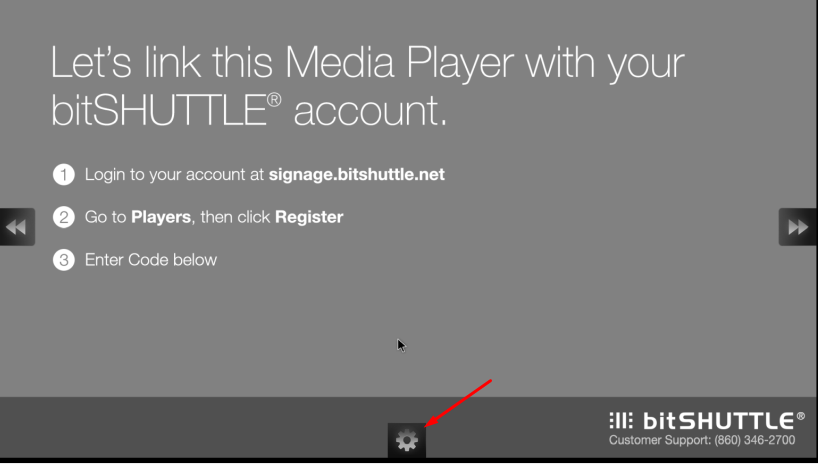
- Click on the gear at the Center of the Bottom/Left side of the TV - Based on orientation
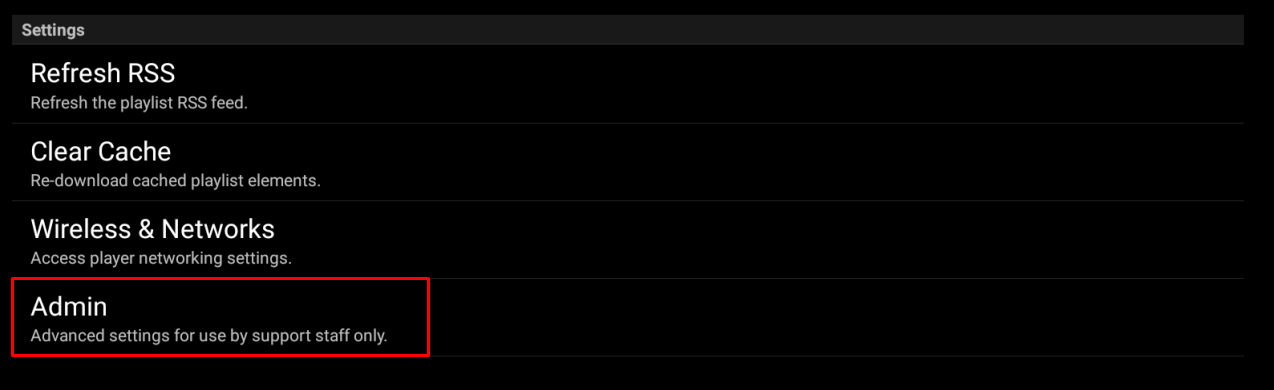
- Click on Admin
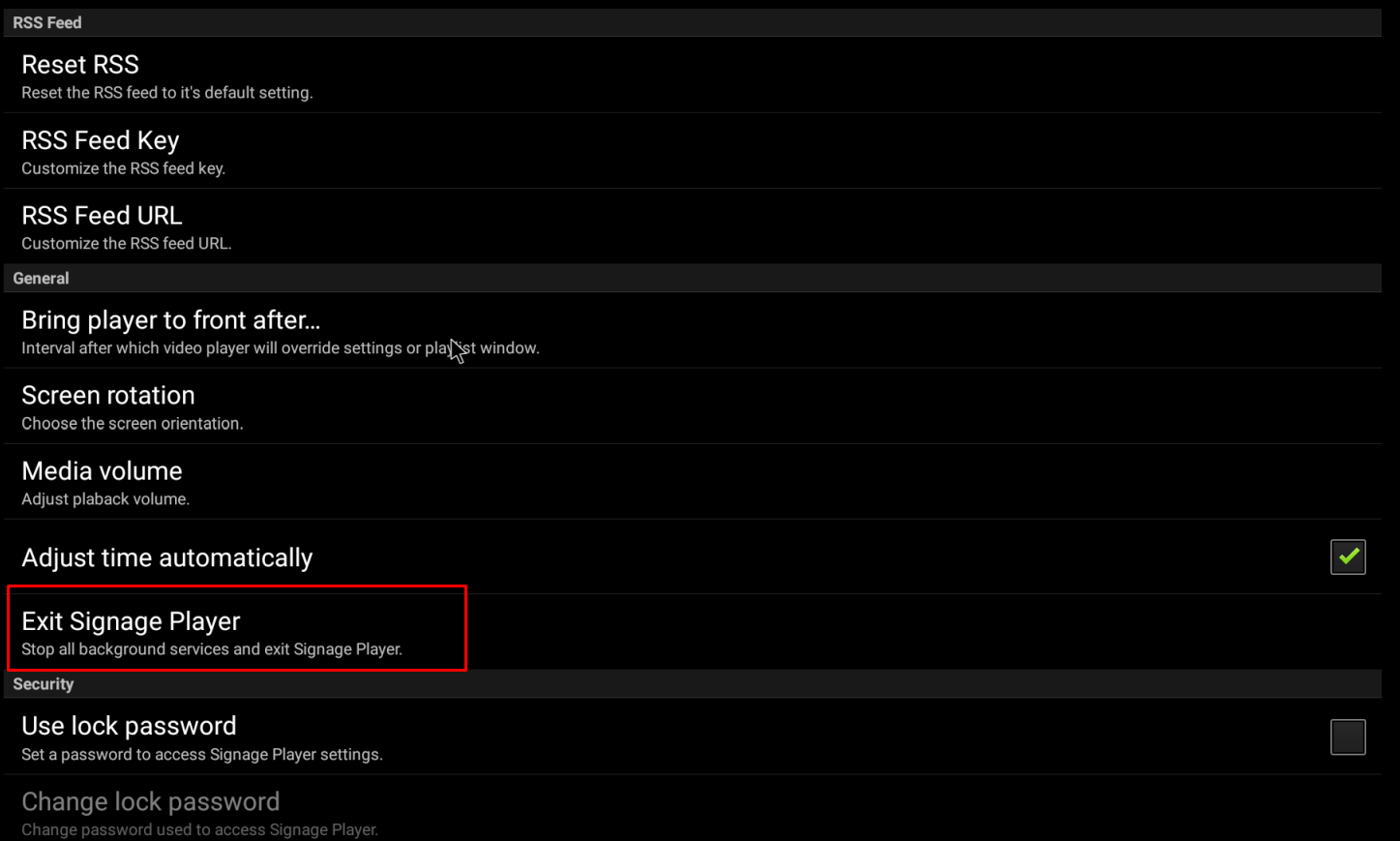
- Click on Exit Signage Player
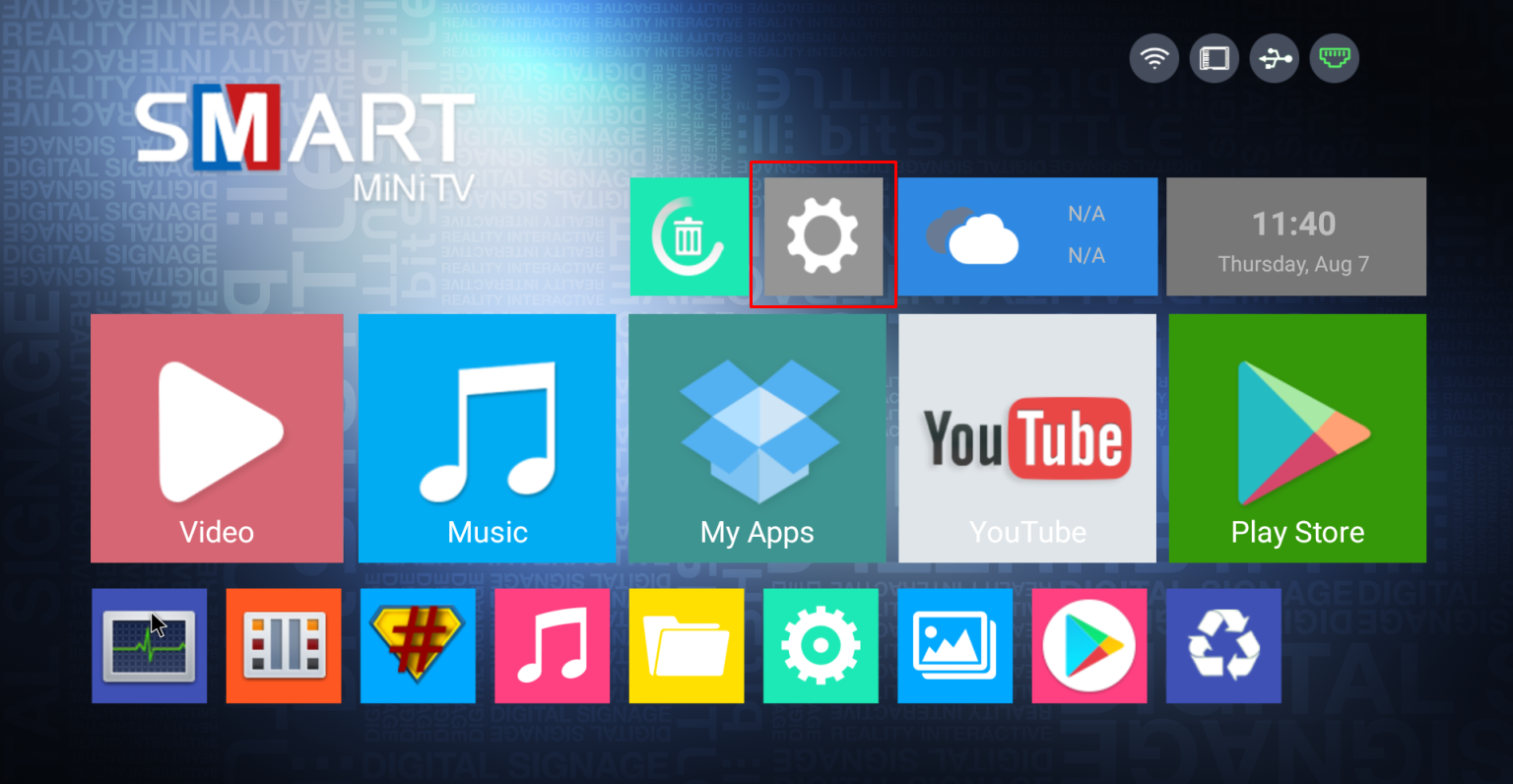
- Click on the Gear to open the settings menu.
 4. Click on Network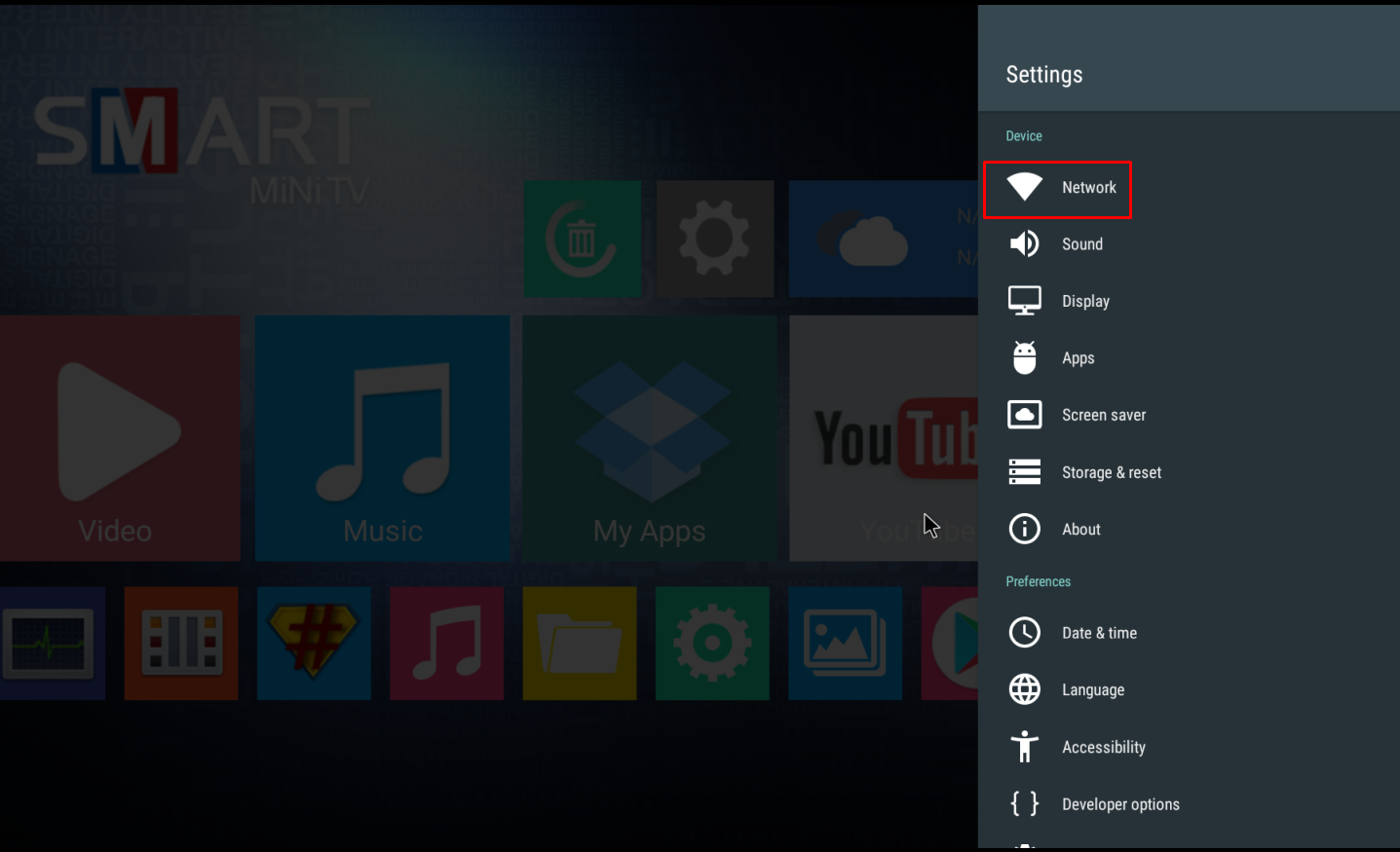
- Enable WiFi if not Enabled (image below shows WiFi Disabled)
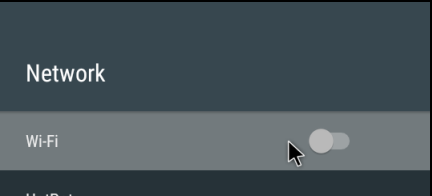
- Select the proper WiFi and Enter Passcode if needed - Use Onscreen Keyboard or USB Keyboard
- Once connected, right click the mouse twice to go back to main menu
- Click on the Signage Player App on the Main menu
