
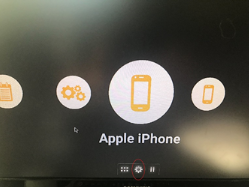
- Plug in a USB Mouse and Left Click anywhere on the screen
- Left Click the Gear Icon that appears
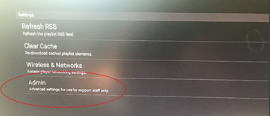
- Left Click “Admin”
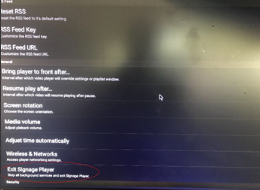
- Left Click “Exit Signage Player”
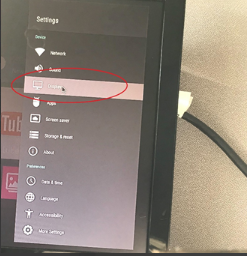
- Left Click “Settings”
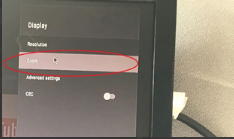
- Left Click “Display”
- Left Click “Zoom”
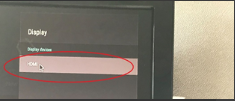
- Left Click Display Device (HDMI)
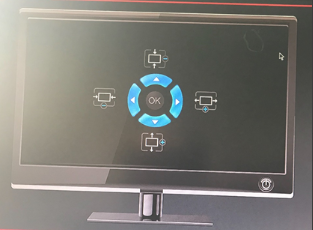
- Adjust the Zoom
- Once Ideal Screen Position is achieved, perform the following to restart the Signage player
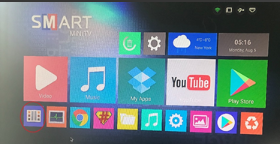
- Right click a total of 3 times to go back to the main menu
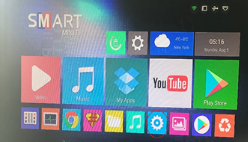
- Left Click “Signage Player” icon
How do I adjust resolution? Print
Modified on: Wed, Nov 6, 2024 at 4:02 PM
Did you find it helpful? Yes No
Send feedbackSorry we couldn't be helpful. Help us improve this article with your feedback.